Stock
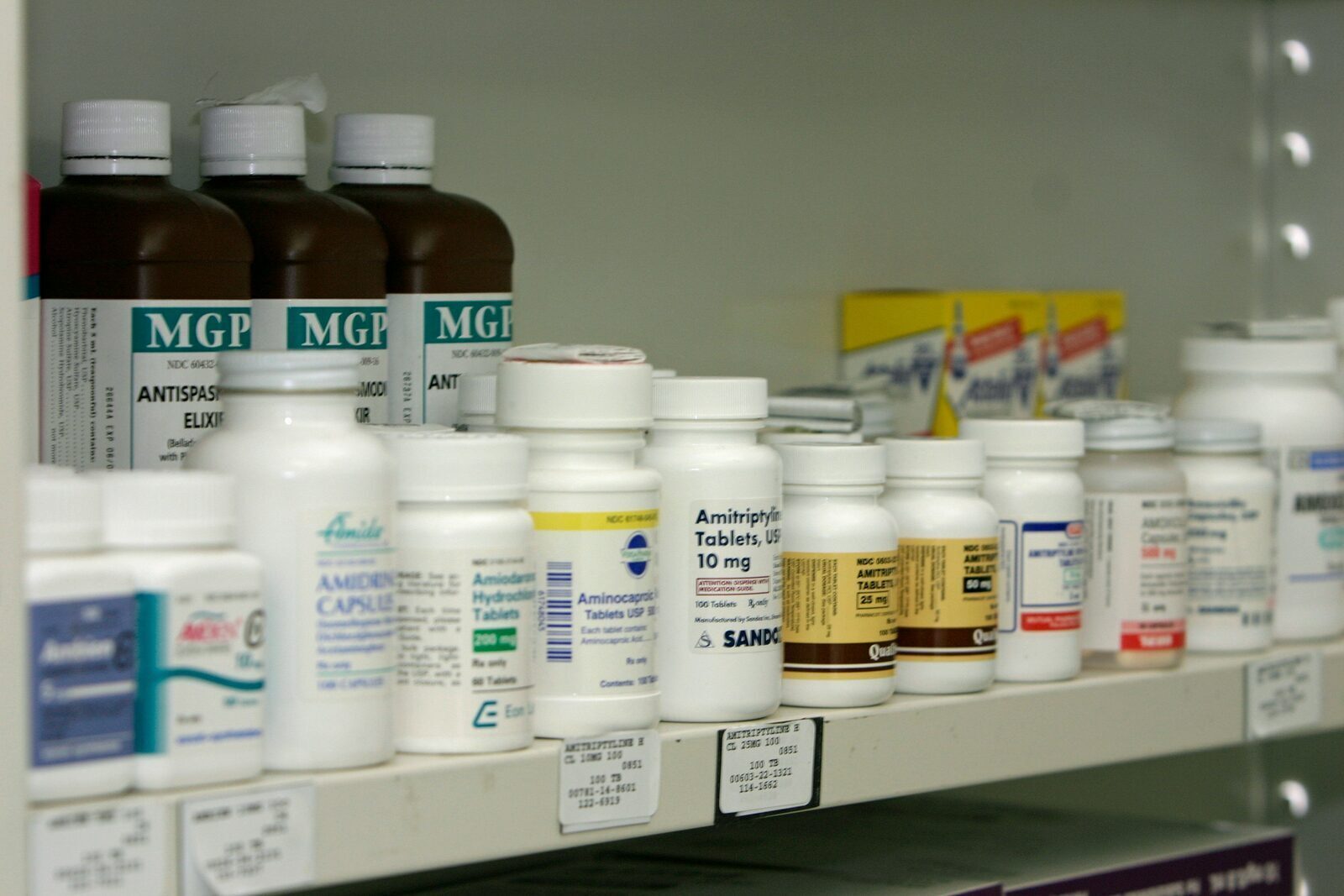
A pharmacy's money sits on the shelf, in packs and batches, each one with a date on it. It is also where margin quietly leaks: a short-dated line nobody noticed until the stock take, an item that runs out on a Saturday afternoon, an adjustment written off with no reason recorded against it.
VeriPath Pharmacy keeps stock the way a pharmacy actually works — per item, per batch, per expiry date — with the pharmacy's own ERPNext ledger as the book of record and a fast, live view of it on screen.
The problem every pharmacy knows
- Two versions of the truth. The system says one quantity, the shelf says another, and nobody is quite sure which to trust.
- Expiry found by hand. Short-dated packs are discovered during a stock take rather than before it — after the point at which they could have been used or returned.
- Stockouts on the items that matter. A prescription cannot be assembled today, because nobody saw the level drop.
- Write-offs with no reason. An adjustment made in a book, or in someone's head, with nothing recorded to explain it.
None of those are failures of care — they are failures of visibility. VeriPath Pharmacy makes the state of the shelf something you can read, act on, and defend.
Every item, every batch, one place
Each item carries its real identity: name, item code, pack size, PIP code and barcode — and a link to its dm+d pack, recorded with the release it was matched against and the evidence behind the match. So the item the pharmacy buys is the item the dispensing screen and the reimbursement feed both refer to, not a free-text description someone typed once.
The stock overview is the front page: how many active items there are, how many stock positions are held, what is expired, and what is sitting inside the short-dated warning band. It also states, plainly, when the positions were last refreshed — so no one ever has to guess how current the numbers in front of them are.
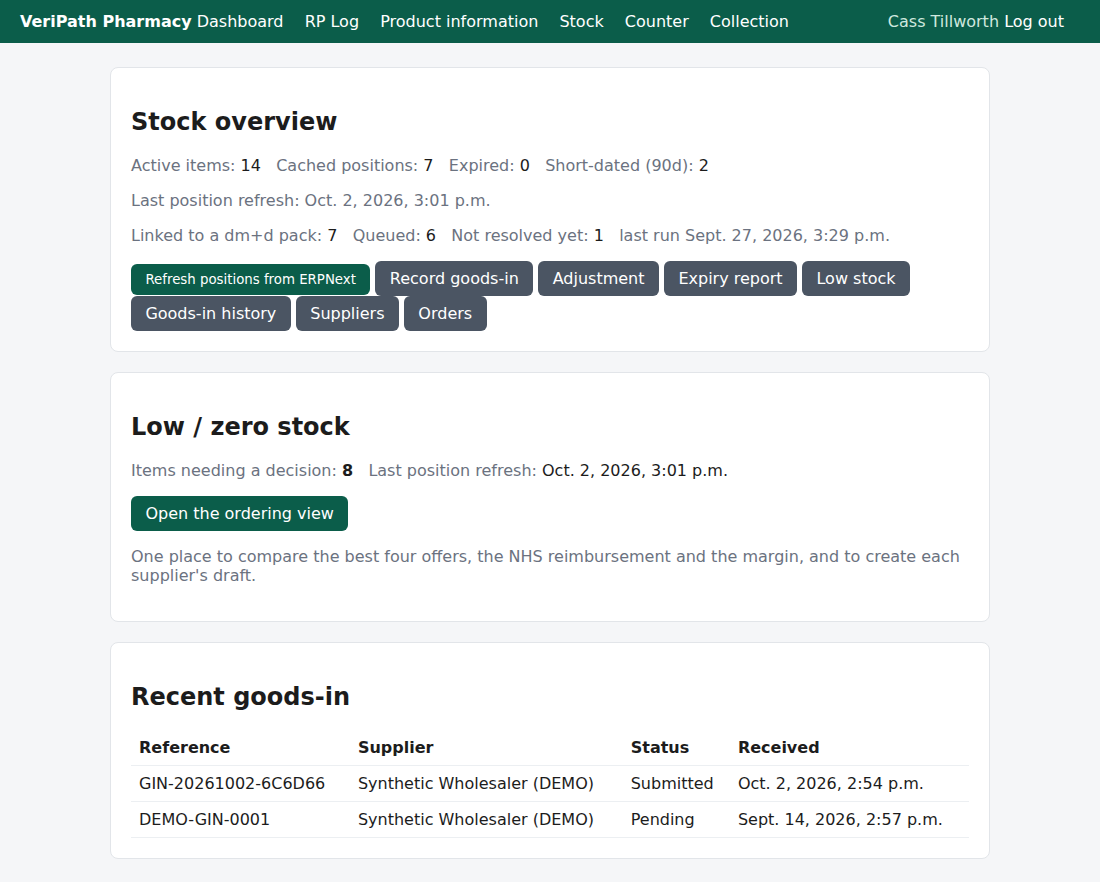
The ledger stays the ledger
Stock positions on screen are a cached read of the pharmacy's own ERPNext ledger — ERPNext remains the book of record, and the app never pretends otherwise. Refreshing reads what the ledger reports and drops what it no longer reports, so the cache cannot drift ahead of the books: a position that has left the shelf does not linger on screen. And a refresh that fails leaves everything it did not read exactly as it was — it can be out of date, but it cannot silently become wrong.
That is the difference between a stock figure you check and a stock figure you trust.
Goods-in that posts a real receipt
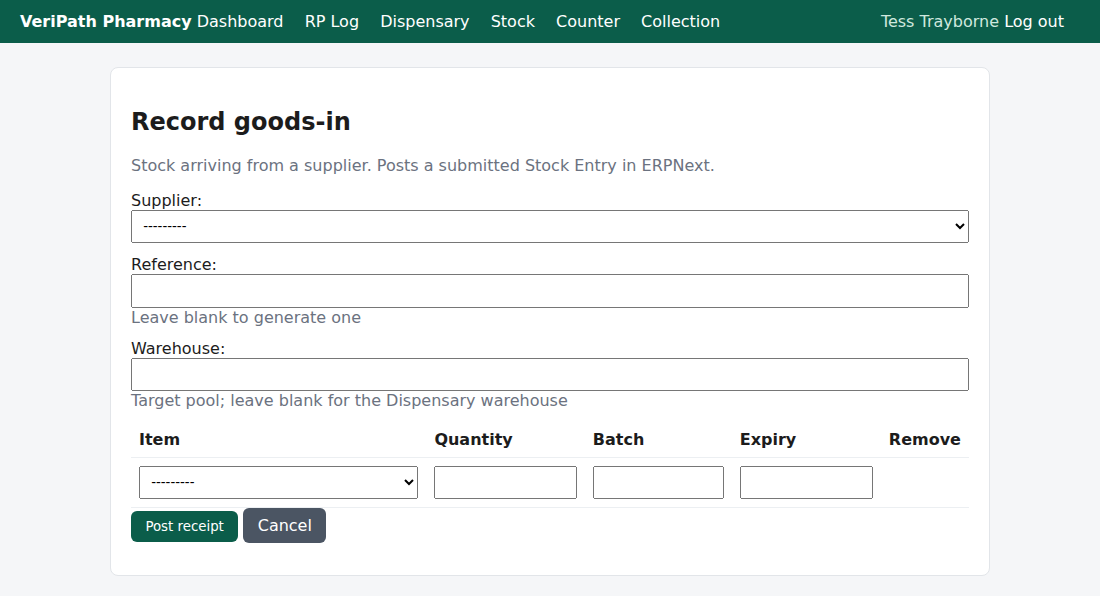
Recording a delivery is not a note in a log — it posts a stock receipt to the pharmacy's own ledger. The delivery is recorded against the order it arrived against, with its supplier, its batches and its expiry dates, and it appears in the goods-in history with the ledger entry behind it. If the post fails, the page says so and the retry is safe: nothing is entered twice.
One boundary worth stating plainly: the app records what arrived. A delivery that turns up short, damaged or rejected is a dispute with the wholesaler, and that conversation still happens outside the system today.
FEFO: expired stock is never picked
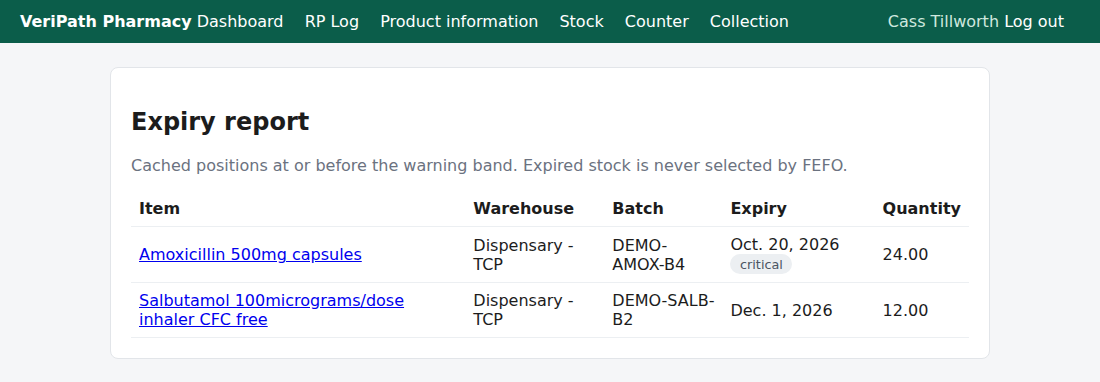
Dispensing selects stock first-expiry-first-out, and an expired batch can never be selected. The shelf is protected from the mistake at the point where it would otherwise happen — at the bench, mid-dispense.
The other half of that guarantee is knowing what to do with what FEFO will no longer use. The expiry report holds the expired and the short-dated stock together, earliest expiry first, with the expired and critical lines marked, so the pharmacy can act — return, use, or write off — while the stock still has value. Warning and critical bands are the pharmacy's own setting, so the report reflects how that business manages its shelf.
Low stock, decided rather than discovered
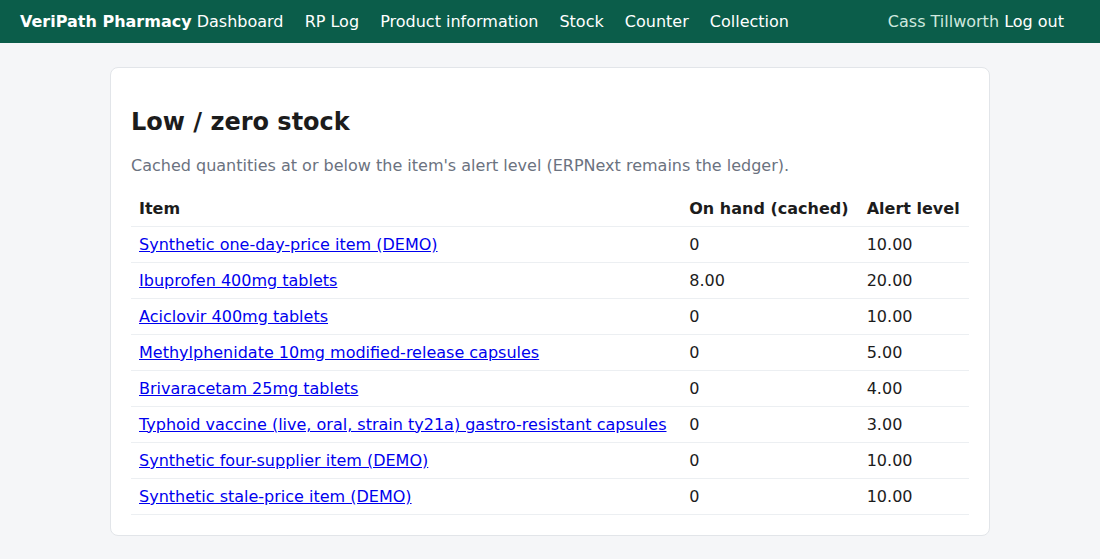
The low-stock report lists every item at or below its alert level — the items that need a decision today, in one place, rather than a surprise at the counter. The staff who manage stock also see the latest supplier price beside the quantity, with a price from a stale file shown struck through and flagged as unusable for ordering, so the number on screen is one you can act on.
Adjustments and wastage, with a reason
Corrections happen in every pharmacy, so the app makes them real: an adjustment carries a required reason and posts to the ledger. A decrease is posted as a material issue — the way expired stock is written off properly. An increase is posted as a receipt with no valuation against it, because a genuine purchase belongs in goods-in where its supplier and price are recorded, not typed in as an adjustment.
Who does what
| Task | Pharmacist | Technician | Business Manager | Counter Assistant |
|---|---|---|---|---|
| See stock, expiry and goods-in screens | Yes | Yes | Yes | Yes |
| Record a delivery | Yes | Yes | Yes | — |
| Record an adjustment or wastage | Yes | Yes | — | — |
| Refresh positions from the ledger | Yes | Yes | Yes | — |
| See supplier prices beside stock levels | Yes | Yes | Yes | — |
What this means for the pharmacy
- One number everyone trusts. The view and the books are the same story, because the view is a read of the books.
- Expiry is managed, not discovered. Batches are visible before their date, not after it.
- The right batch is used, every time. First-expiry-first-out, enforced at the point of dispensing.
- Nothing is written off silently. Every adjustment carries a reason and a ledger entry behind it.
- Inspection-ready by construction. Batch, expiry, movement and reason are recorded as a by-product of the work, not reconstructed for an inspection.
- The data never leaves the premises. Stock, batch, expiry and supplier-price data live on the pharmacy's own client server. Nothing is pooled centrally with a vendor.
Part of the VeriPath Pharmacy set
Stock is the largest of three capability areas on the pharmacy platform — see the Pharmacy App web content overview for the full set.
- Prescriptions — the dispensing day: claim, assemble, dispense, endorse.
- Compliance & administration — the Responsible Pharmacist Log, counter checkout and VAT, accounting and reporting.
The day-to-day task guides for this area are published on the knowledge centre: